Instant meeting · get-started agenda
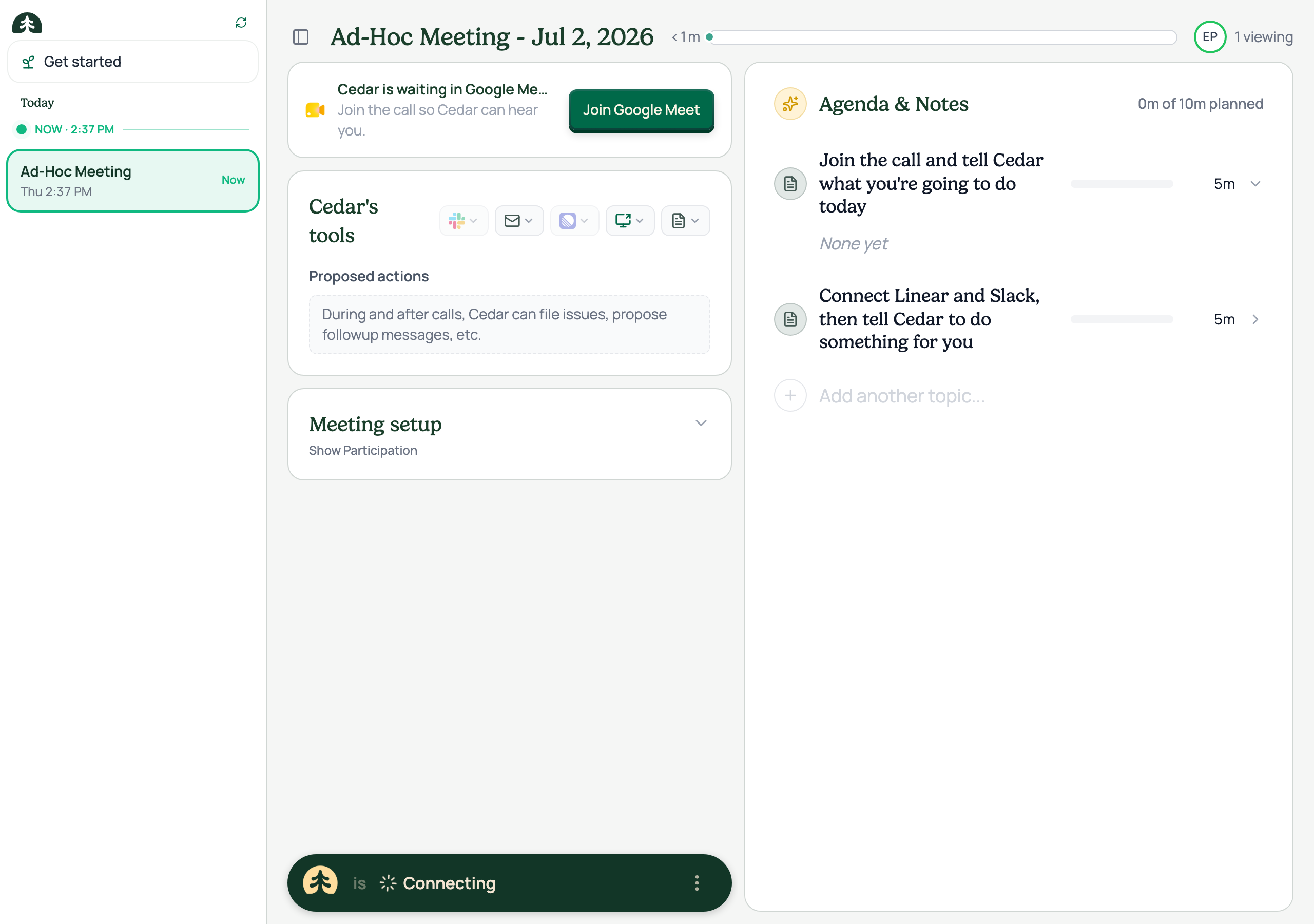
PR #1171 · the two-step prefilled first-run agenda, captured from the running app
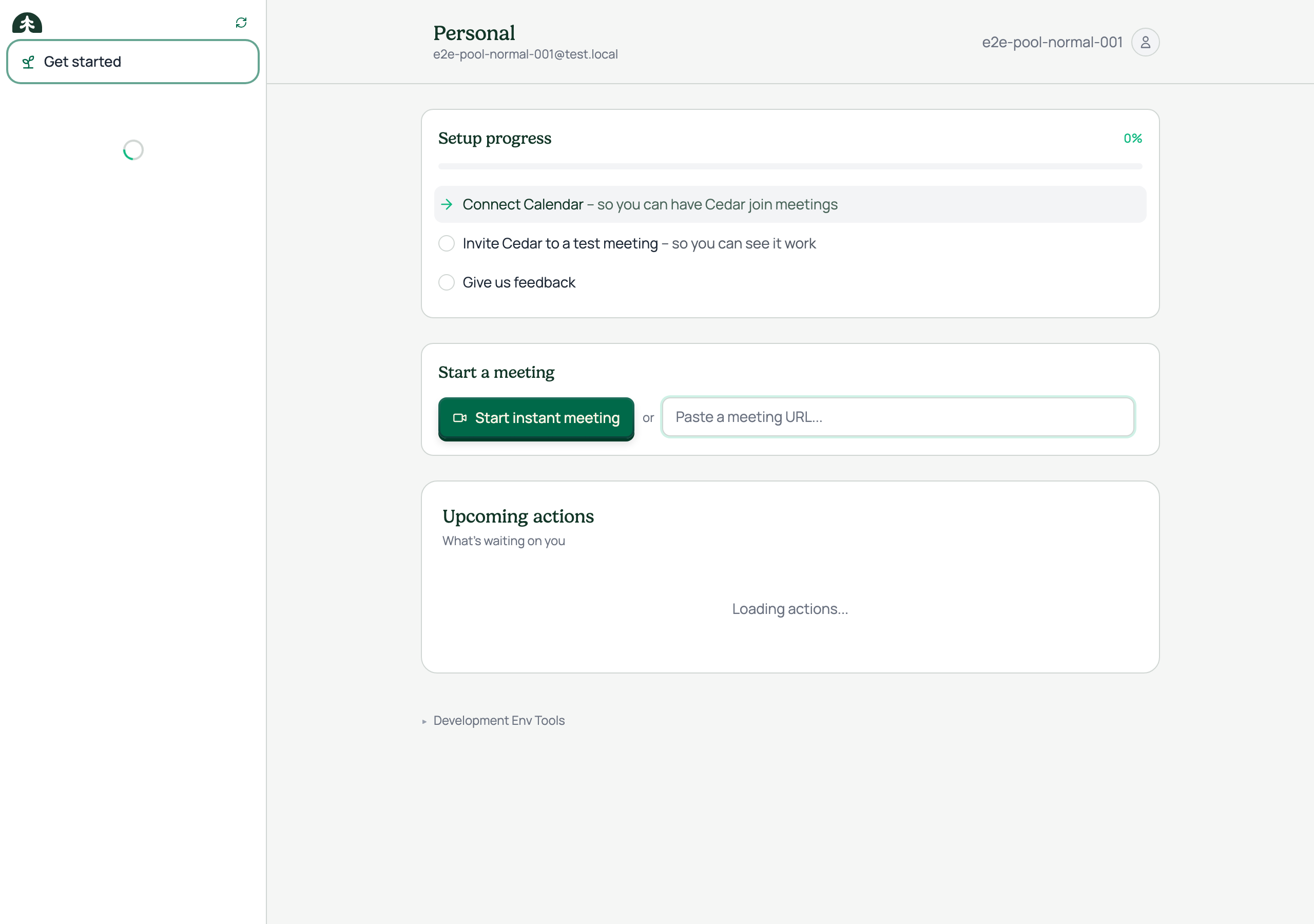
Instant meetings used to open with an empty agenda: a brand-new user with nothing connected hit a "what do I do now?" wall before ever seeing Cedar work. PR #1171 prefills a "get started with Cedar" agenda for every instant meeting, so the first session guides the user to a hands-on wow moment.
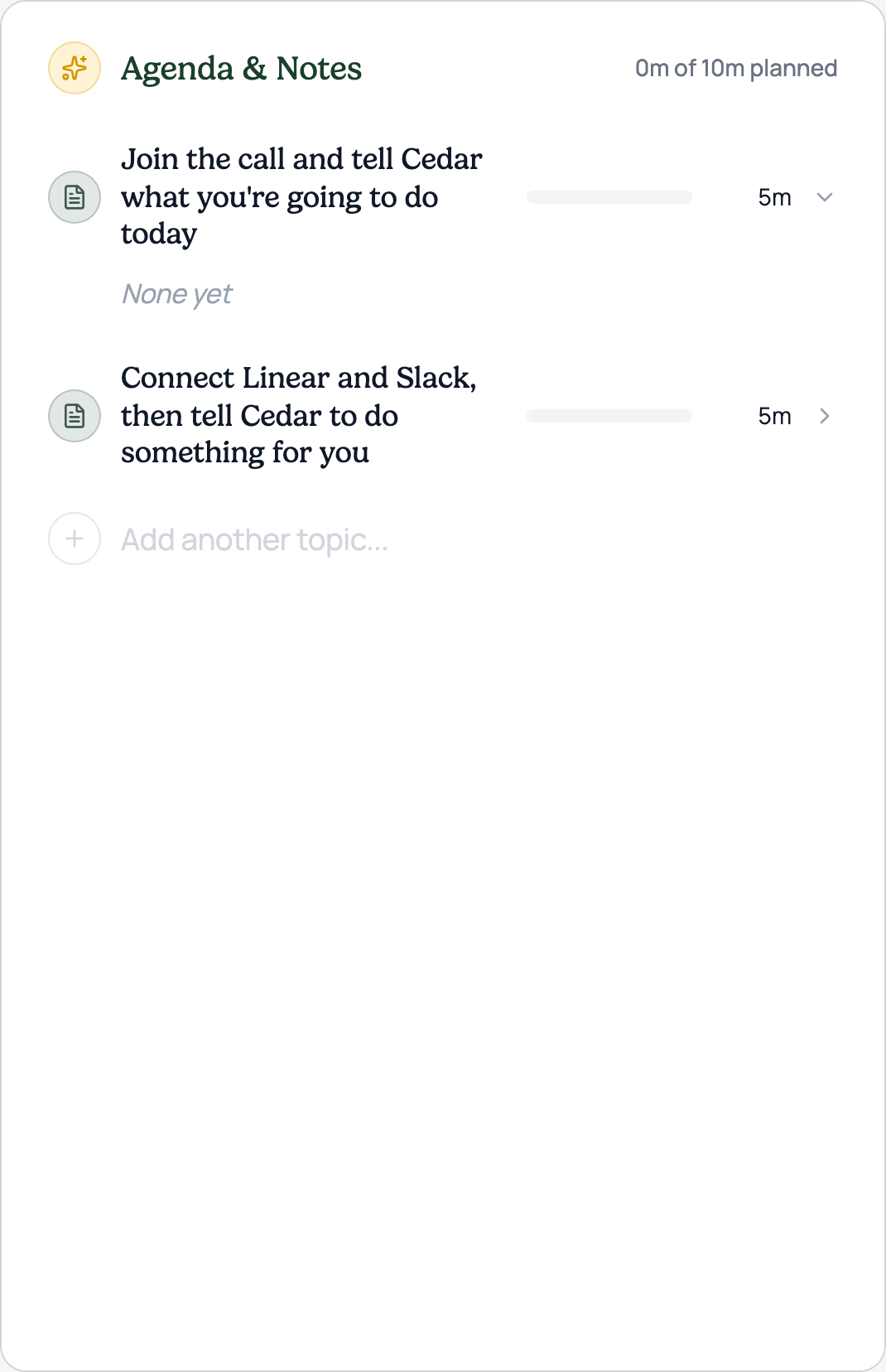
The agenda is two steps, 5 minutes each: join the call and tell Cedar what you're doing today, then connect Linear and Slack and have Cedar do something for you. The topics flow through the standard agenda pipeline, so they render as ordinary editable rows with planned durations and the regular section icons. Nothing bespoke, nothing to unlearn.
Design note: an earlier revision used four numbered topics with green number circles. It was simplified on June 26 to two steps with the standard icons, which is the version shown here, captured from the running app with a seeded demo account.
States